Sign in to the ordering platform to place and track orders. Your Centi contact issues the login.
No account yet? Register by email, or message us on WhatsApp — both reach us directly.
Placing a made-to-measure order takes about two minutes once you have the customer's height, weight and (ideally) measurements. Even without a tape measure, the sizing tools below get you there. This guide walks through one order from sign-in to delivery.
Before you order — three ways to get the size
You have measurements
Taken with a tape, or copied from a well-fitting garment. Enter them directly in step 05 — your numbers always win over AI suggestions.
Learn to measure with videos →No tape? Let the customer self-size
Send the customer to b2b.centisartoria.com/fit — height + weight give a jacket size and a trouser size in 30 seconds, plus a fit sheet you can order from directly.
b2b.centisartoria.com/fit →Not sure how to measure?
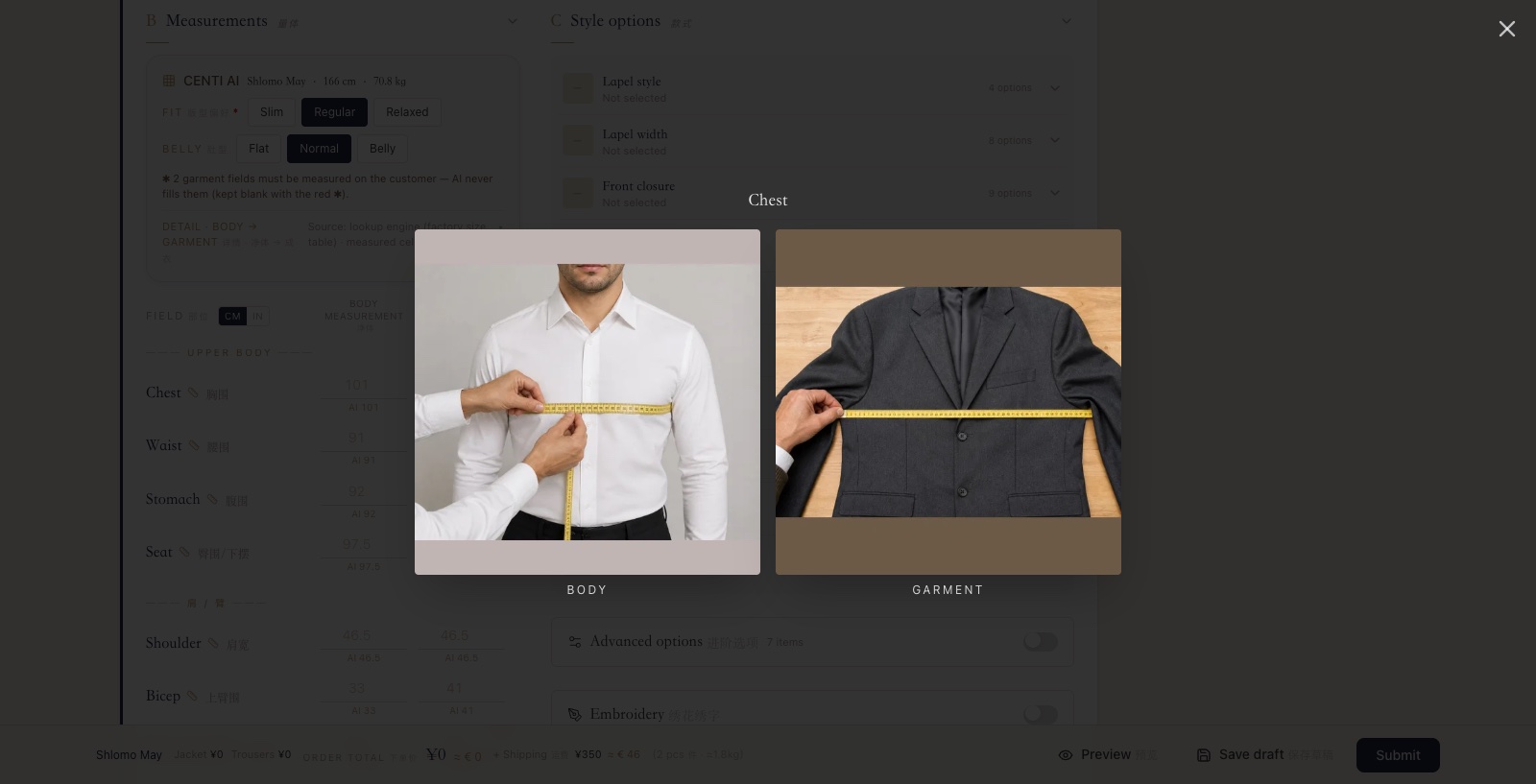
Every measurement field has a ruler icon with reference photos of both methods (on the body / on the garment). The full training handbook is below.
- 01
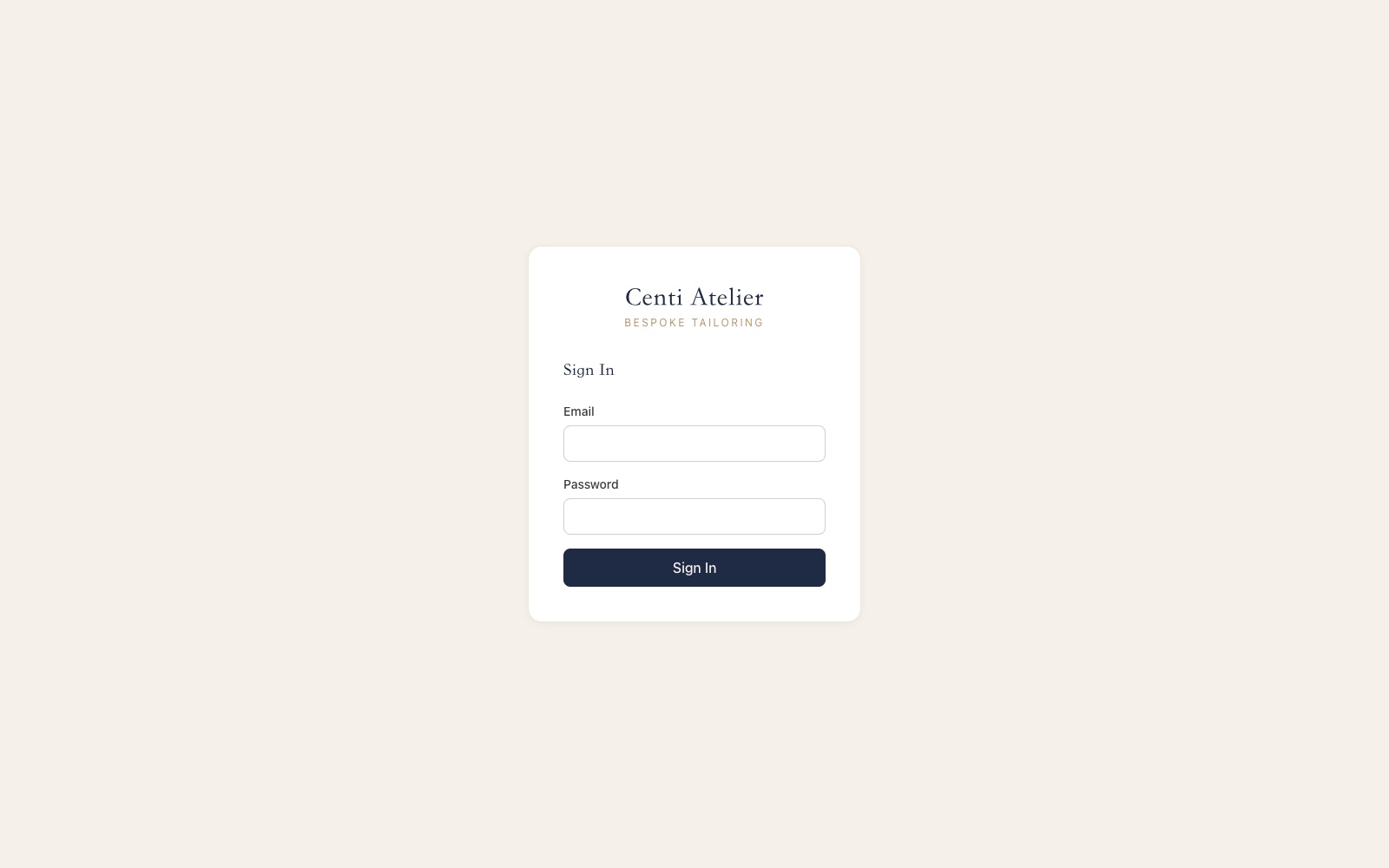
Sign in
登录- Open b2b.centisartoria.com and sign in with the email + password provided by your Centi contact.
- You can change the password anytime after your first sign-in.
- 02
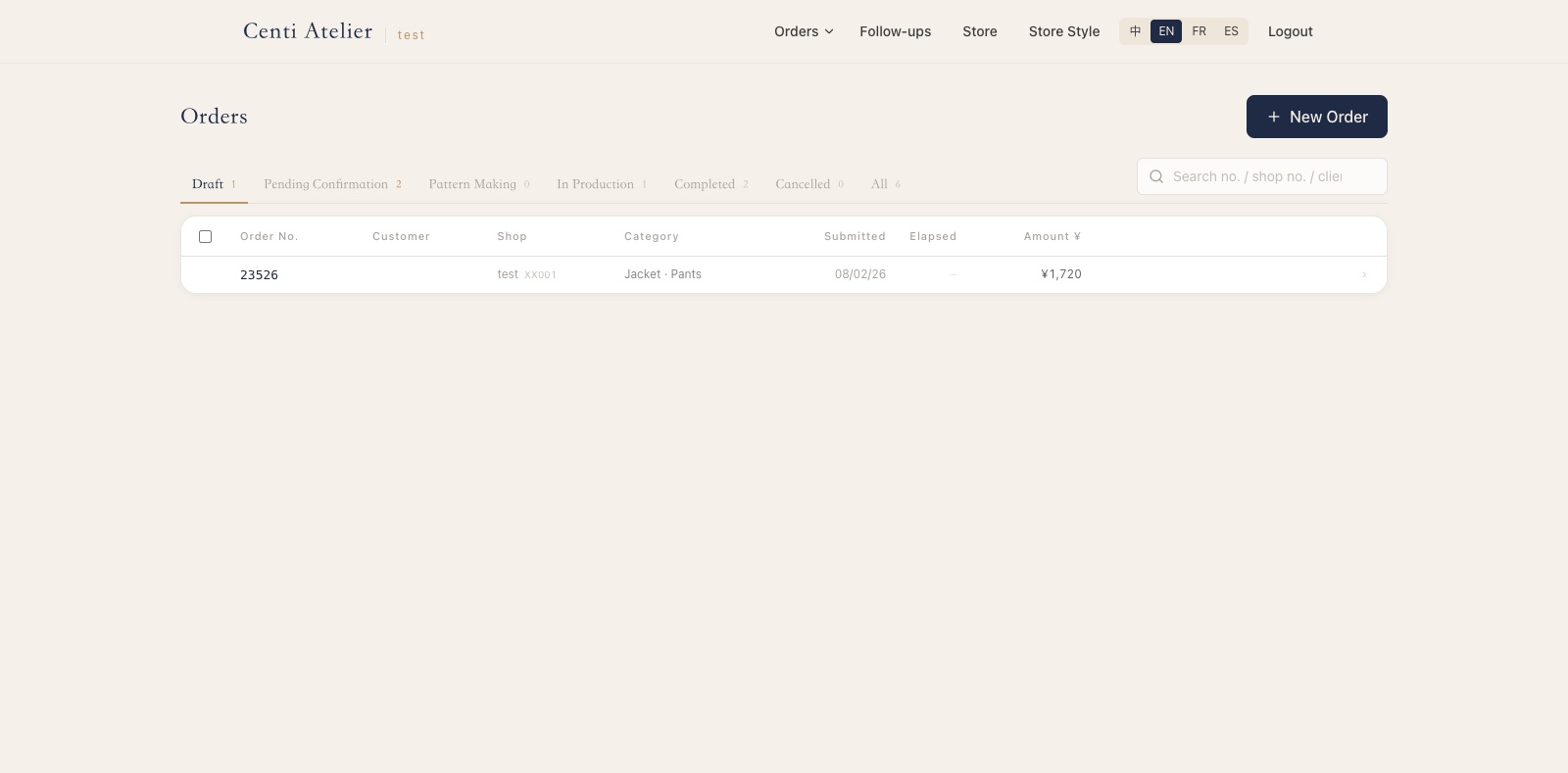
Start a new order
新建订单- The Orders page lists every order of your shop with its live status. Click + New Order to start.
- Unfinished work is kept as a draft — you can stop anytime and continue later from this list.
- 03
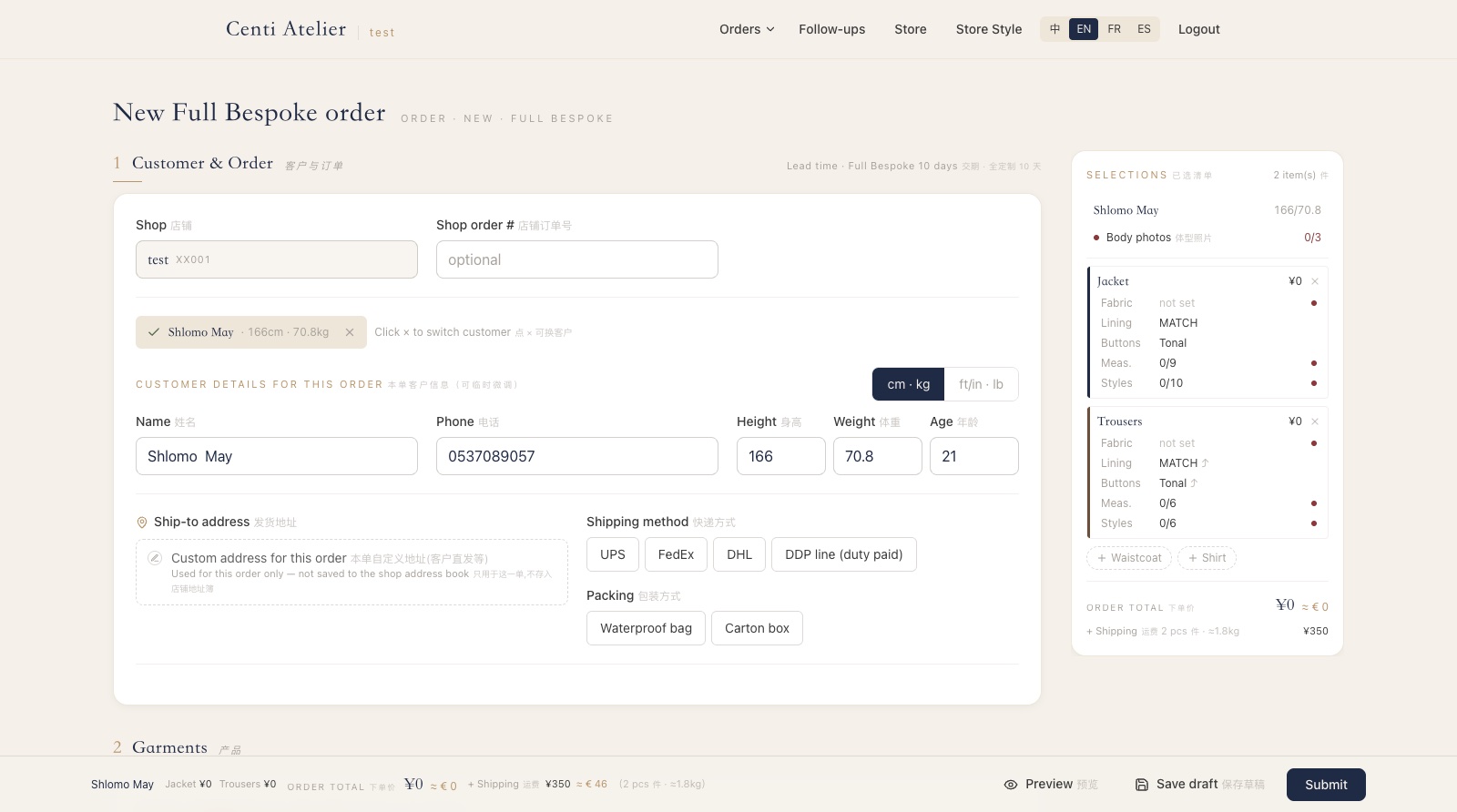
Choose the customer
选择客户- Pick an existing customer or create a new one. Height and weight are required — they drive the whole pattern.
- US teams can switch the toggle to ft/in · lb — we convert automatically (the factory always works in cm · kg).
- Confirm the ship-to address and shipping method. DDP line (duty paid) adds ~5 days but includes customs.
- 04
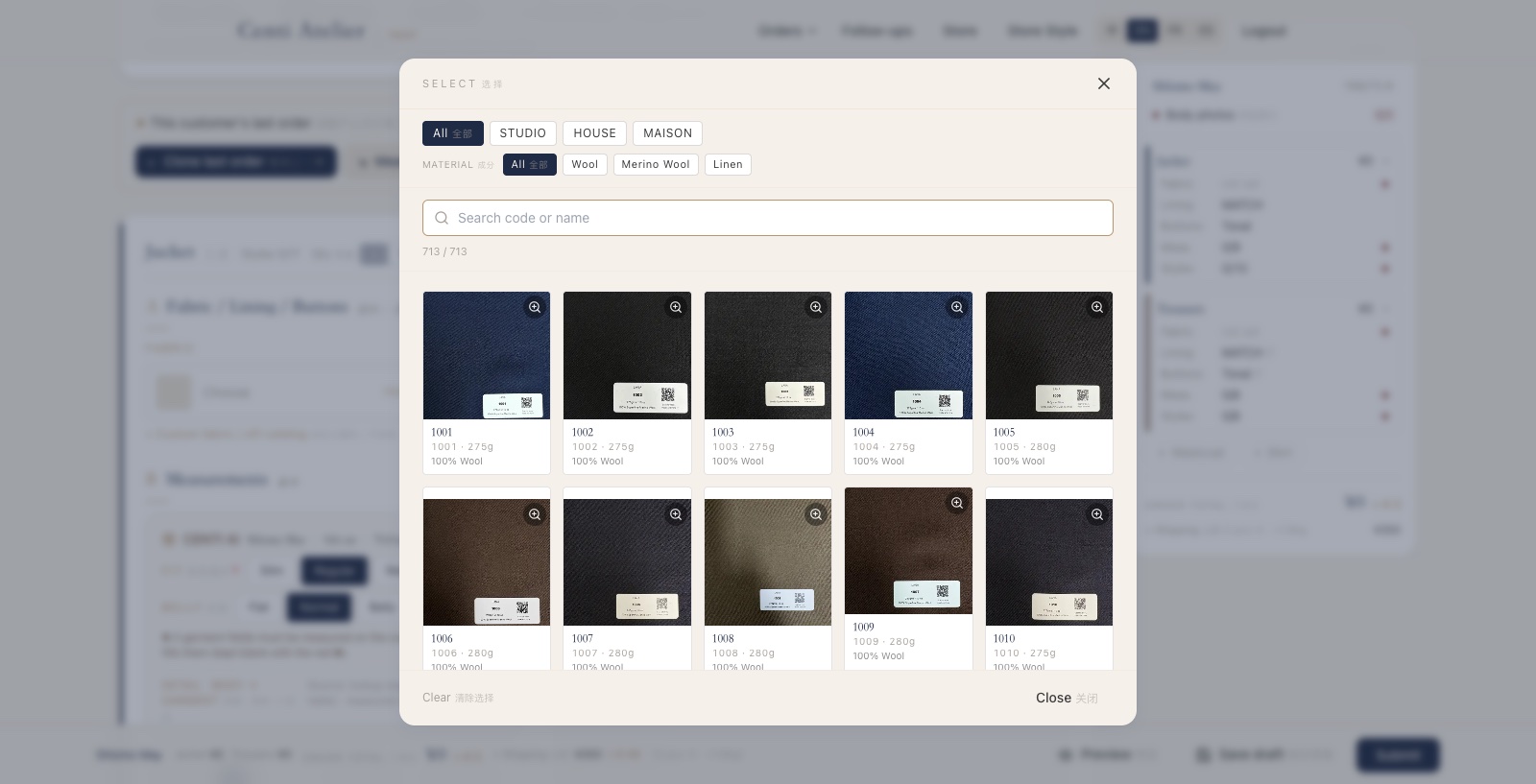
Pick fabric, lining & buttons
面料 · 里布 · 扣子- Each garment has its own fabric. Search the catalog by code or name, or filter by brand line and material — every swatch photo is the real bunch card.
- Lining defaults to MATCH (auto color-matched) and buttons to Tonal — change them only if the customer asks for something specific.
- Using your own cloth? Custom fabric / off-catalog lets you order with your fabric reference.
- 05
Enter measurements
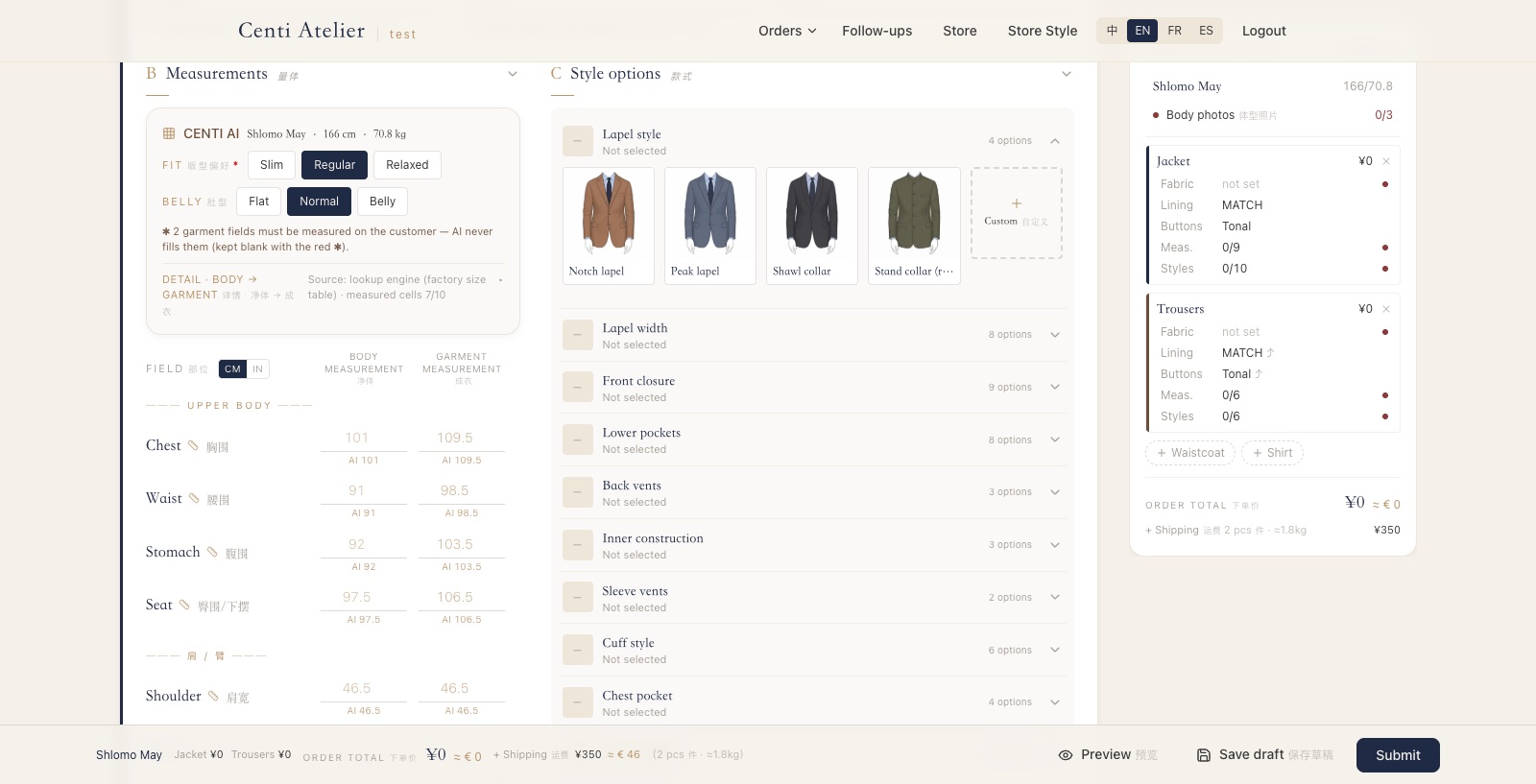
录入量体- Set the customer's Fit (Slim / Regular / Loose) and belly shape — CENTI AI then suggests every measurement from height and weight.
- Grey numbers are suggestions. Type over any of them with what you actually measured — your numbers always win.
- Fields marked with a red ✱ must be measured on the customer — AI never fills them.
- Columns: Body measurement = taken on the body, Garment measurement = finished garment size. Enter whichever you took; the CM / IN toggle is next to the table.
- Not sure how to take a measurement? Tap the small ruler icon next to the field name for reference photos of both methods.
- 06
Choose the styles
选款式- Open each style group — lapel, closure, pockets, vents… — and tap the illustration the customer wants.
- Anything you leave unselected is listed once more at submit, so nothing goes to the factory unconfirmed.
- Advanced options and embroidery (initials) live at the bottom.
- 07
Review & submit
核对提交- The bottom bar always shows the running order total + shipping; the right panel lists everything selected per garment.
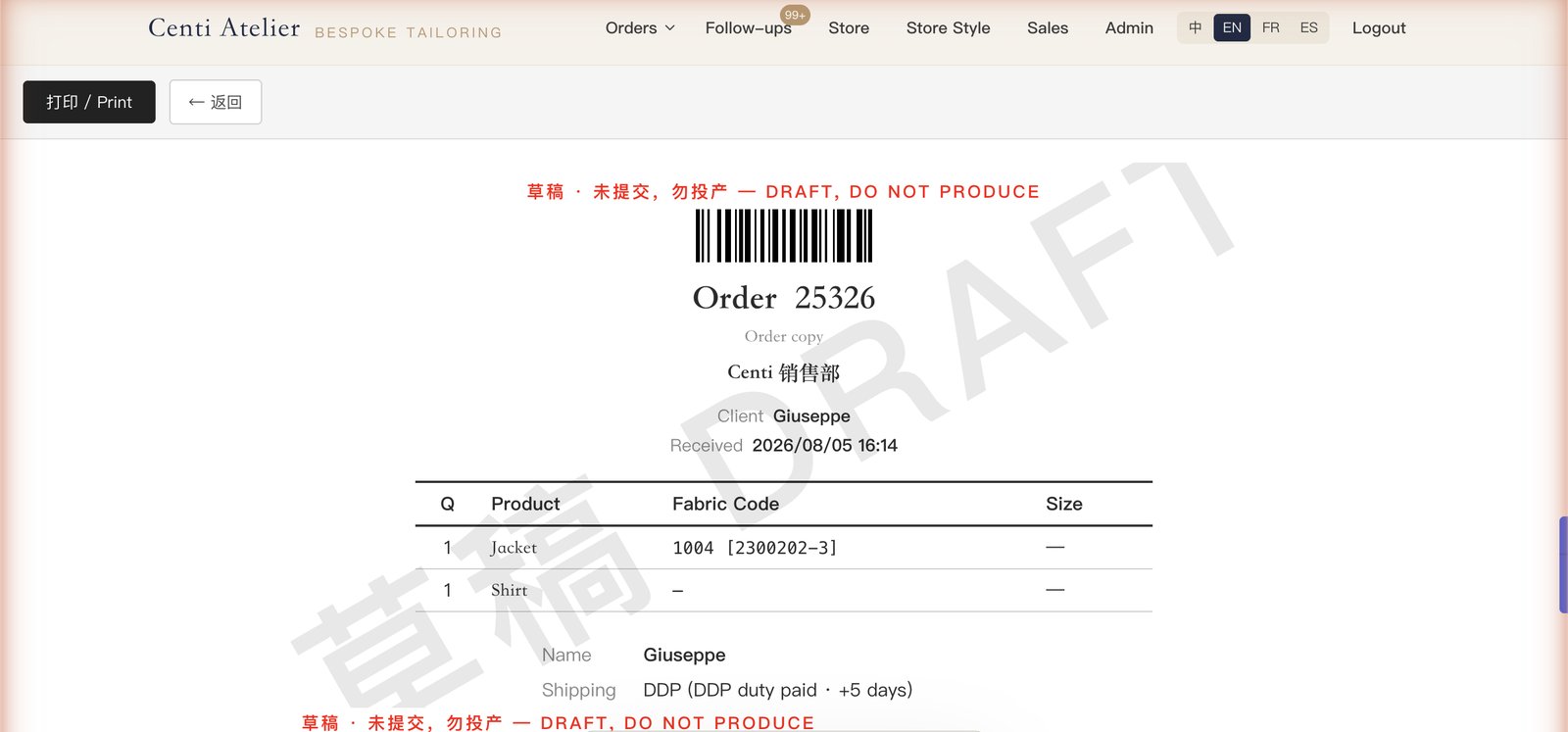
- Preview shows the production ticket for a final check (and saves your draft). Submit sends the order to Centi.
- 08
Track & communicate
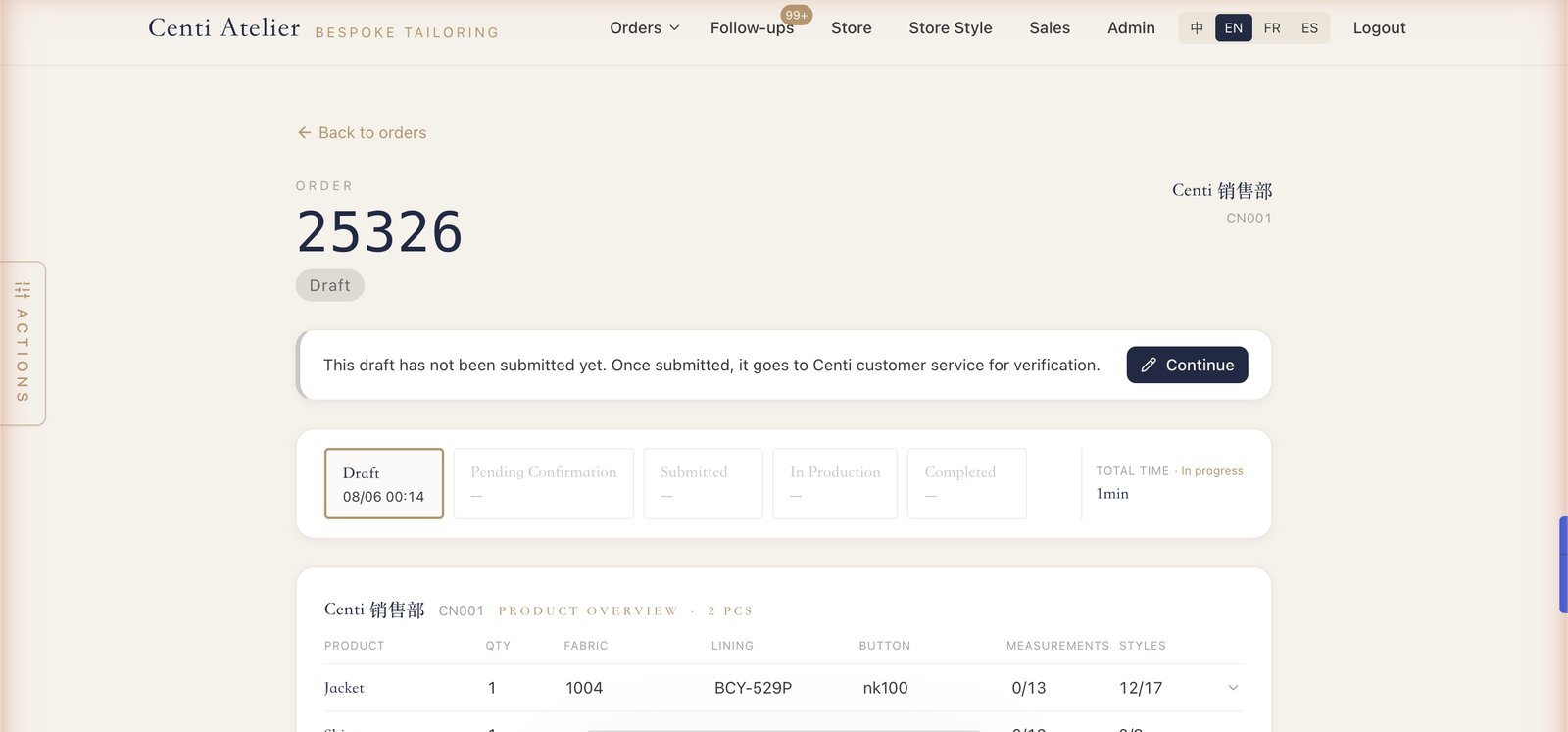
跟踪沟通- After submitting, Centi customer service verifies every detail with you before production — watch the order's status timeline.
- Every order has a message thread — questions, photos and change requests all live there, next to the order itself.
- Changes are possible any time before production starts. Standard lead time: full bespoke from 10–14 days + shipping; fully hand-made and complex pieces take longer.
All public pages at a glance
Become a Traveling Tailor
b2b.centisartoria.com/guide/travelerRun made-to-measure with no shop and no measuring skill — what you carry, how a fitting goes.
Self-sizing
b2b.centisartoria.com/fitCustomer types height + weight, gets jacket & trouser sizes in 30 s.
Size charts
b2b.centisartoria.com/sizesAll 18 garment size charts — jacket, trousers, waistcoat × six body types.
Paper order form
b2b.centisartoria.com/paperPrintable form with measurement photos — fill by hand, enter later.
Quick sample order
b2b.centisartoria.com/qScan a lookbook QR, pick a fabric, order a sample — no login.
Fabric shop
b2b.centisartoria.com/shopBrowse every fabric with real bunch photos — share with customers.
Bunch catalogs
b2b.centisartoria.com/catalogsFabric collections grouped by bunch card, like the physical books.
This guide
b2b.centisartoria.com/guideHow to order, step by step — printable.